REALBOOK · WINDOWS READER
Make the screen feel like a book again.
RealBook keeps the binding, paper, page thickness and sense of place in view. Opening an eBook regains the tempo of opening a physical book.
30-day trial · Windows 10 / 11 x64
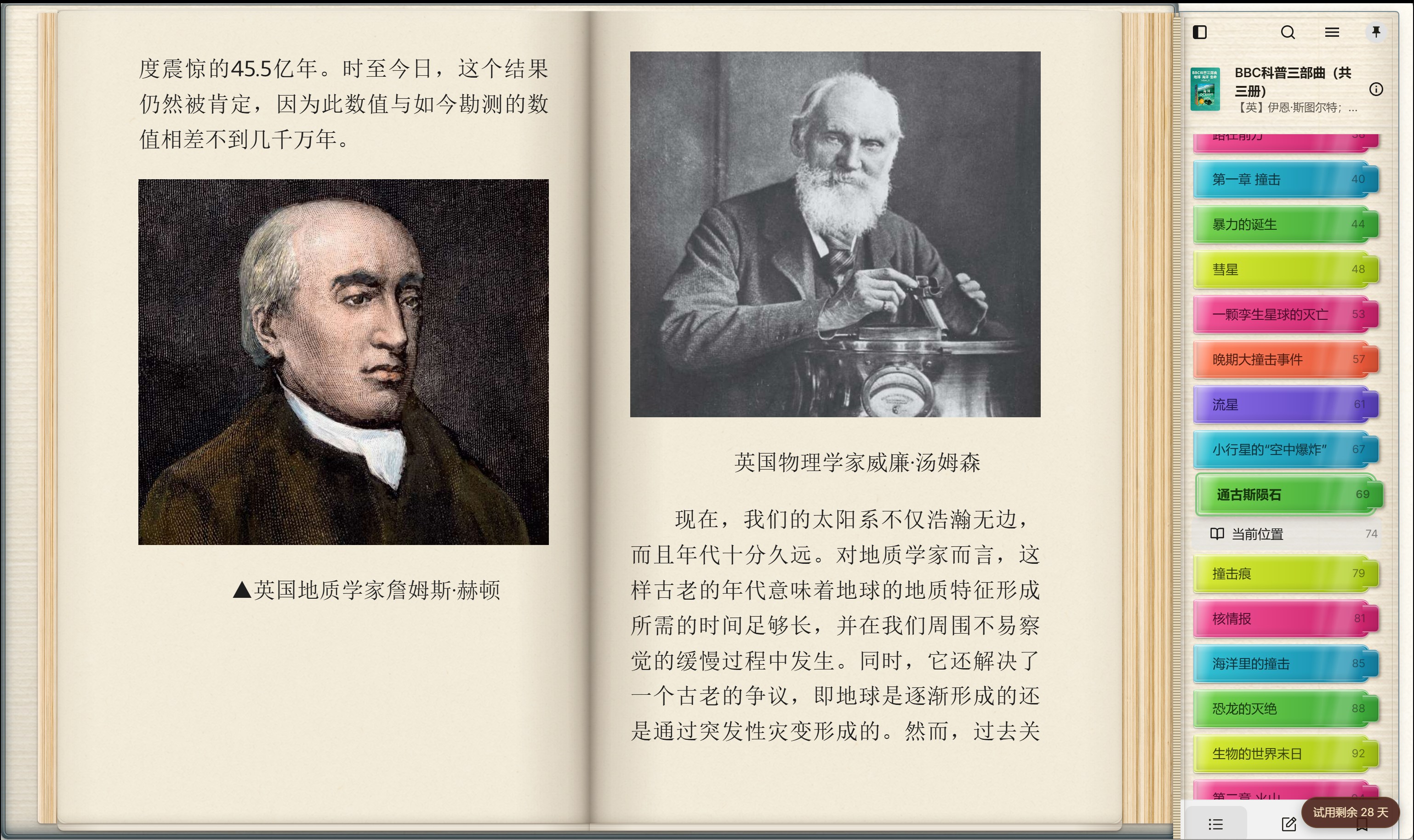

Not a reading mode — a reading space
A book should keep its edges.
From leather bindings and stacked page edges to a pinnable contents panel and real paper surfaces, each layer helps you keep your place through a long read.
- One page or two
- A spread opens like a book; a single page becomes a centered portrait volume.
- Contents outside the text
- When opened or pinned, the table of contents receives its own space instead of covering the page.
- Sound with restraint
- Page turns and contents actions have separate sound effects, each of which can be turned off.
- Your existing library
- Import EPUB, MOBI, AZW3, FB2 and CBZ books directly into your reading space.
Paper is more than a colour value
Give the book in front of you the paper it deserves.
Choose cotton rag, kozo washi, recycled oatmeal or archival blue-grey. Their fibres and finish stay quietly present without getting in the way of text. Your own paper textures can be imported and managed too.
Cotton rag ivory
Fine, quiet, made for long reading
Kozo washi
Warm white with delicate long fibres
Recycled oatmeal
Soft pulp flecks and a bookish warmth
Archival blue-grey
A cool, restrained paper surface
Beyond paper
Bindings and contents tabs have a material presence too.
A cover creates the first impression of a book on the desk; contents tabs make chapter positions clear and visible. RealBook lets you choose and manage them separately.
Antique calfskin
A composed, dark-brown binding surface
Forest linen binding
A restrained woven surface with a different warmth
Coloured contents tab sets
Vivid, gradient, muted and classic palettes keep chapters visible
Reading unfolds like a volume
When you need the contents, the book makes room.
Contents, text and page thickness belong to the same space. Pin the chapters, browse ahead or move to a single page while the interface remains a complete book.

Text and images unfold naturally across two pages.
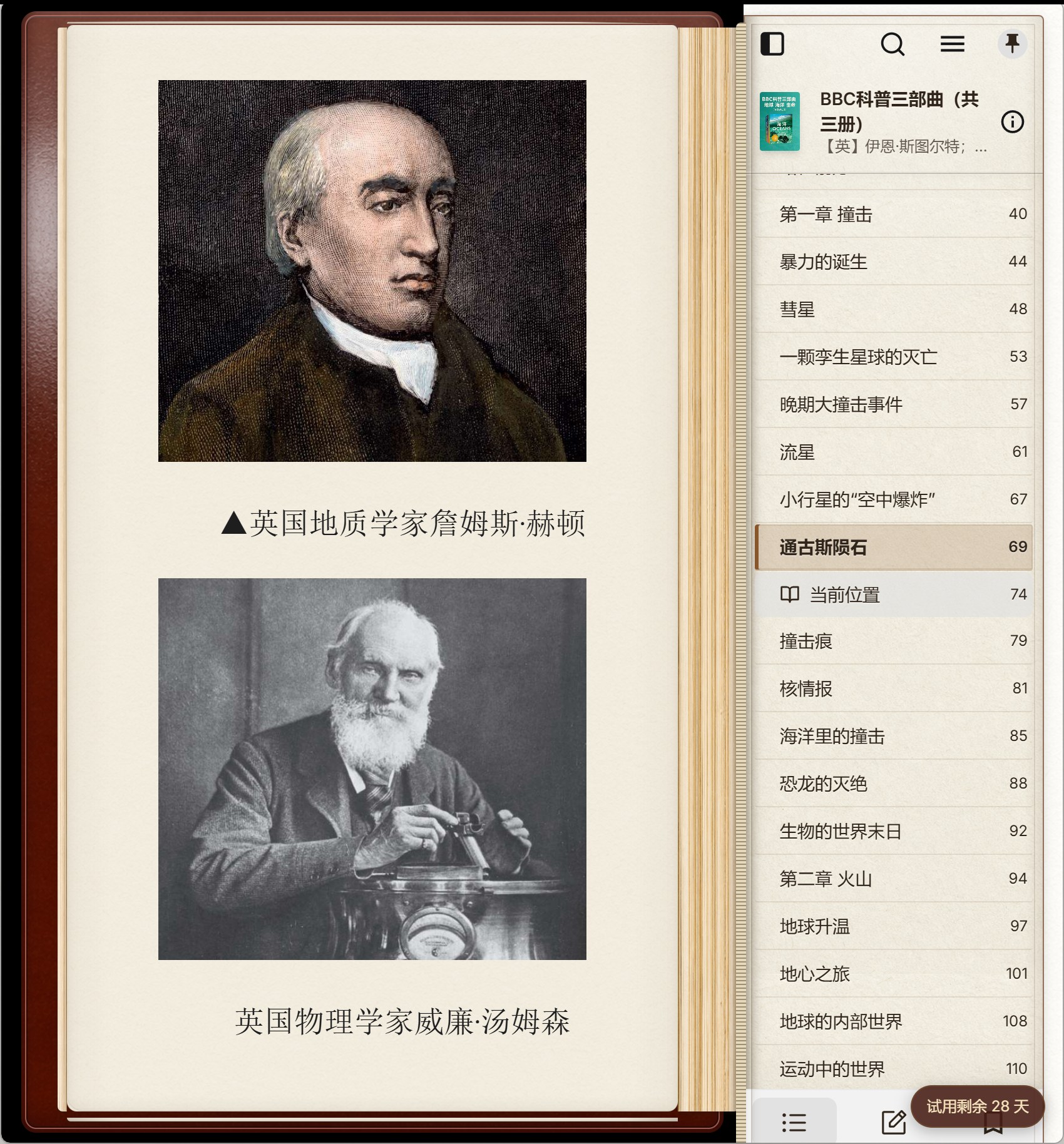
Chapters stay beside the book while the reading page remains intact.
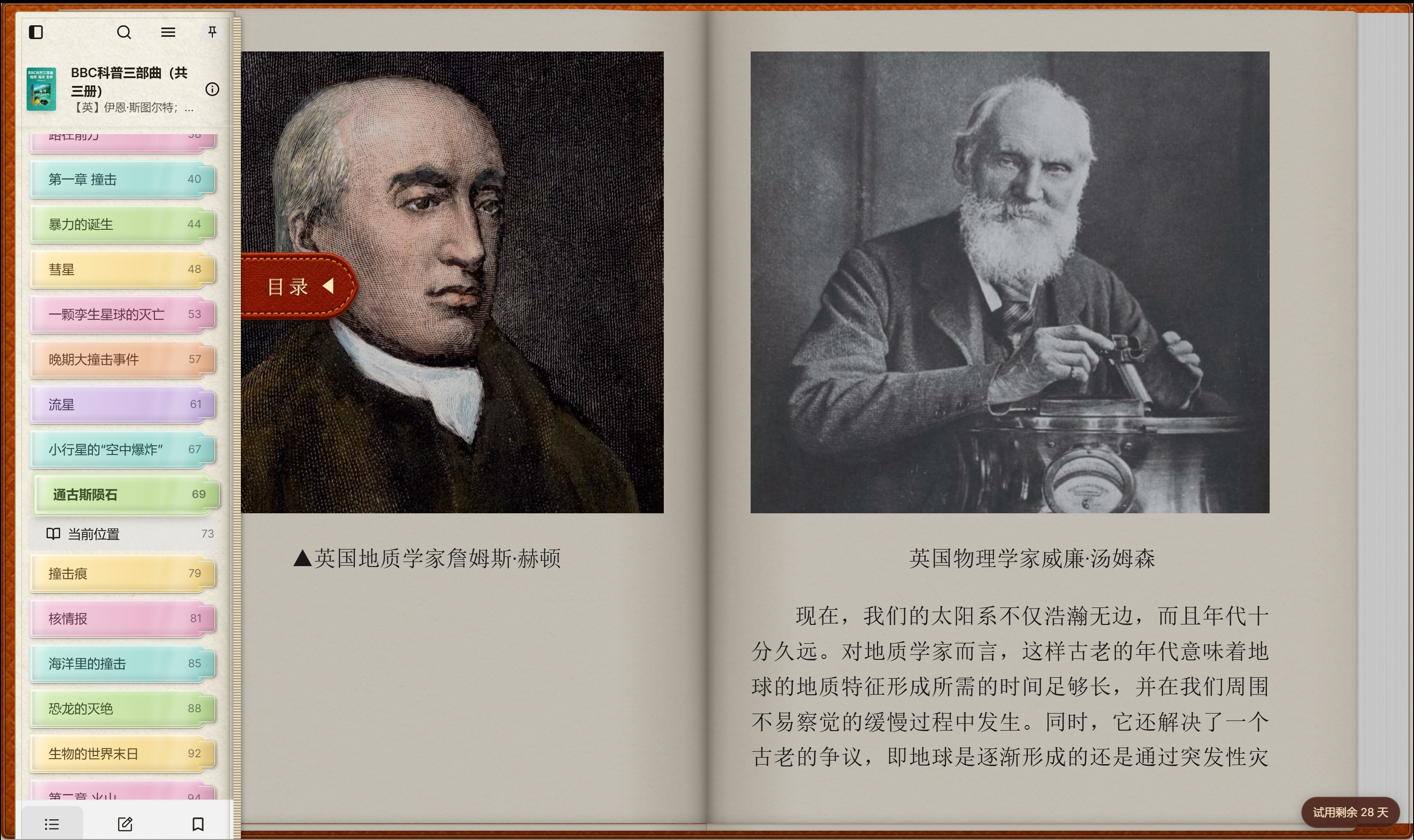
The contents panel can be clear, layered and distinctly yours.
The next book deserves a proper opening.
Read with your own paper, binding and pace in RealBook.
Get RealBook for WindowsTry it for 30 days. Perpetual offline activation is available after the trial.